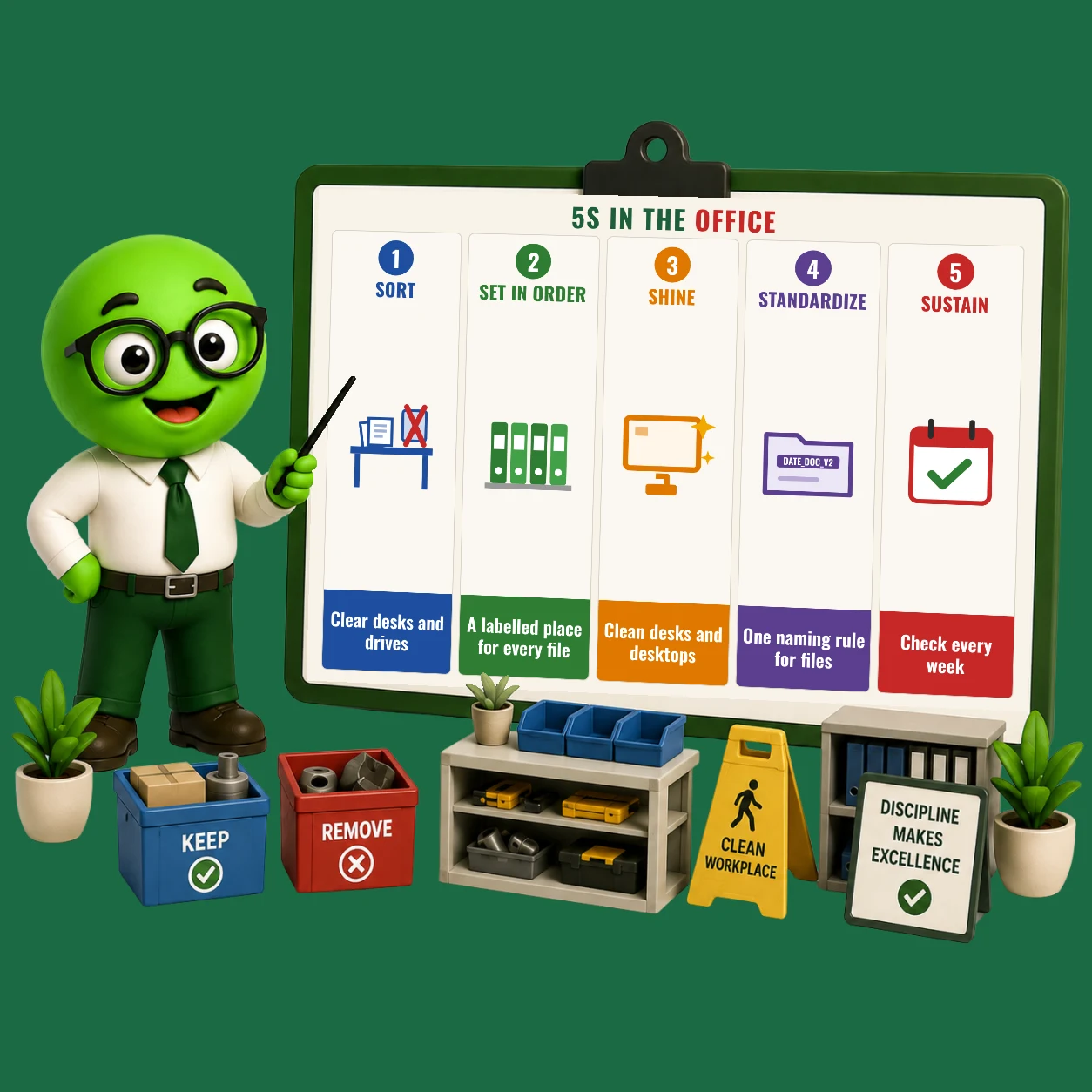

How do you apply 5S in an office? Sort removes old papers, duplicates and clutter from desks and drives. Set in Order gives every file one labelled place and one folder structure. Shine keeps desks, shared areas and desktops clear. Standardize sets a clean desk rule and a file naming rule. Sustain adds a short weekly check with an owner for each area and shared folder.
This guide comes from Greendot Management Solutions. Since 1999 we have implemented 5S for 1,200+ companies, including Atul Ltd, Coptec and Heranba. We use it on the shop floor and in the offices that run those plants: purchase, stores, planning, accounts, HR and quality.
What Does 5S Mean in an Office?
5S for the office is the same five-step system used on the shop floor, applied to desks, files, shared areas and digital work. In a factory, 5S removes the time lost searching for tools. In an office, it removes the time lost searching for files, documents, approvals and information.
Office 5S matters more than most companies think. Purchase orders wait because a quotation can’t be found. Dispatch waits for a missing document. An audit finding comes from an uncontrolled copy of a procedure. Most of these are office problems, not shop-floor problems.
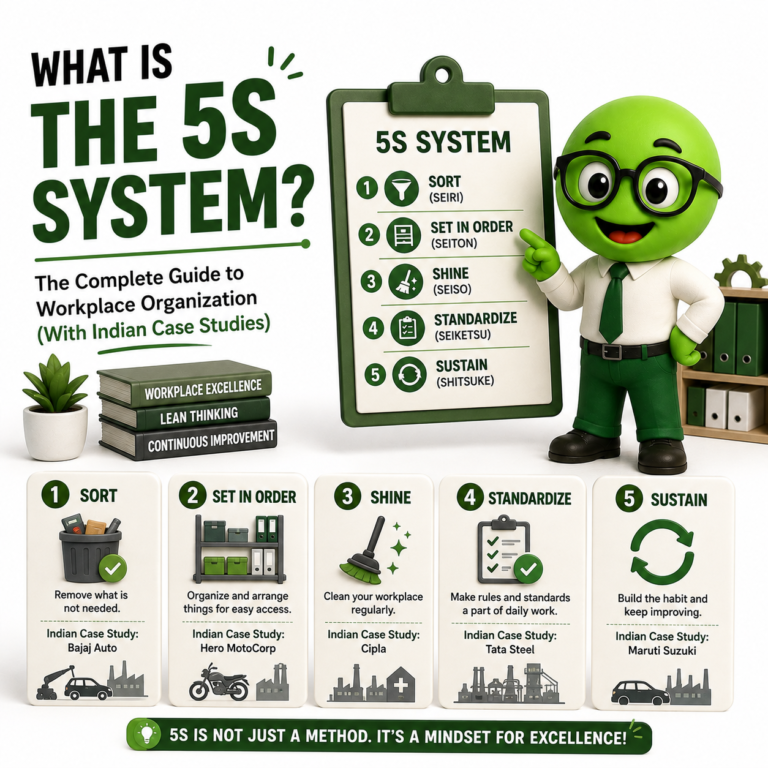
For the meaning of each S, see what is the 5S system.
The 5 Steps of 5S in an Office
| S | Desk and physical files | Digital work |
|---|---|---|
| Sort | Remove old papers, extra stationery, broken items and personal clutter | Delete duplicates, old drafts and unused files; unsubscribe from useless mail |
| Set in Order | One place for each file type, labelled; daily items within reach | One folder structure for the department; standard file names |
| Shine | Clean desks, screens and shared areas; check printers and equipment | Clear the desktop and downloads; empty the inbox to a set level |
| Standardize | Clean desk rule; labelled shelves; shared-area standard photo | Naming convention (date_document_version); shared drive rules |
| Sustain | Weekly desk check; monthly shared-area audit | Monthly digital clean-up; folder owner reviews |
5S Examples in Office
Here are 5S examples from offices we have worked in:
- Purchase: one labelled file per supplier, and quotations saved in the supplier’s folder with a standard file name. Finding the last quotation now takes seconds.
- Stores office: issue slips, GRNs and gate passes in colour-coded trays (pending, done, to be filed), emptied every day.
- Quality: controlled documents in one shared folder, with only the current version available. Printed copies are marked “controlled” and numbered, which removes a common ISO audit finding.
- HR: employee files in numbered, locked cabinets with an index sheet on each door.
- Accounts: a fixed tray per stage (to check, to approve, to pay) so no invoice waits on someone’s desk.
- Shared areas: printer, stationery cupboard and meeting room each with a standard photo and an owner.
Digital 5S: The Office Step Most Companies Miss
Today, most office clutter is digital. A shared drive with ten versions of the same file, a desktop full of downloads and an inbox with 5,000 unread mails waste more time than any messy desk.
Digital 5S follows the same steps:
- Sort: delete duplicates, old drafts and anything you’ll never open again. Archive what you must keep.
- Set in Order: agree one folder structure for the department, the same for everyone.
- Shine: clear your desktop and downloads folder every Friday.
- Standardize: use one file naming rule, such as
2026-10-27_PO-Supplier_v2. - Sustain: each shared folder has an owner who checks it every month.
Office 5S Checklist
Use this checklist for a weekly office 5S check. Score each point 0 (no), 1 (partly) or 2 (yes):
- Only items needed for today’s work are on the desk.
- Files and binders are labelled and stored in their marked place.
- No pending papers older than one week on desks.
- Shared shelves and cupboards match their standard photo.
- The printer and stationery area is clean and stocked.
- Cables are tidy and do not cross walkways.
- Desktop and downloads folders are cleared.
- Files are saved in the shared folder, with standard names.
- Only the current version of each controlled document is available.
- Meeting room is cleared and reset after every meeting.
How to Start 5S in Your Office
- Start with one department or one shared area, such as the printer corner or the file room.
- Take a photo of it as it is.
- Give everyone one hour for Sort: remove what is not needed, physically and digitally.
- Agree the folder structure, labels and file naming rule together.
- Take an “after” photo and display it as the standard.
- Name an owner and start a short weekly check.
Office 5S works best when it runs alongside 5S on the shop floor, so the whole company follows one standard. For the plant side, read how to implement 5S in the workplace. To keep it going, see how to sustain 5S.
5S in Office: FAQ
Can 5S be used in an office?
Yes. 5S works in any office. The five steps stay the same, but they are applied to desks, files, shared areas and digital folders instead of tools and machines. Office 5S cuts the time lost searching for documents and reduces errors from wrong or old versions.
What is digital 5S?
Digital 5S is 5S applied to computer files, shared drives and email. It means deleting duplicates and old drafts, using one folder structure and file naming rule, clearing the desktop regularly, and giving each shared folder an owner who checks it every month.
What are examples of 5S in the office?
Common examples of office 5S are labelled files per supplier or customer, colour-coded trays for pending and completed work, a clean desk rule, one shared folder with only current document versions, standard photos for shared areas, and a weekly desk check.
How long does it take to implement 5S in an office?
A single office area can be sorted and organised in one to two days. Setting up the folder structure, standards and weekly checks for a whole department usually takes a few weeks. Keeping it going depends on regular checks and an owner for each area.
Does office 5S help in ISO audits?
Yes. Office 5S keeps only current, controlled documents in use and makes records easy to find. Both are common sources of findings in ISO 9001 and other management system audits.
One 5S Standard for Your Plant and Your Office
Greendot consultants implement 5S on the shop floor and in the offices that run it, agree measurable targets before we start, and stay until your team runs it on its own. 1,200+ companies since 1999.